SOFOS 360
Add pots to transport
On the overview screen of Transportline, you click New button to add pot(s) to be transported. You can use this window to plan local transportation, specifically for the transport of hazardous substances in compliance with the 1000-point regulation. This regulation determines which compounds are allowed for transportation based on a predefined set of rules, with points calculated accordingly. If a given transport's total points are less than 1000, it is eligible for a partial exemption from certain ADR requirements. Further details about this scheme can be found at Info sheet 1000 points table | Brochure | Human Environment and Transport Inspectorate (ILT) (ilent.nl).

After clicking New button, the Pot Picker screen will be displayed.
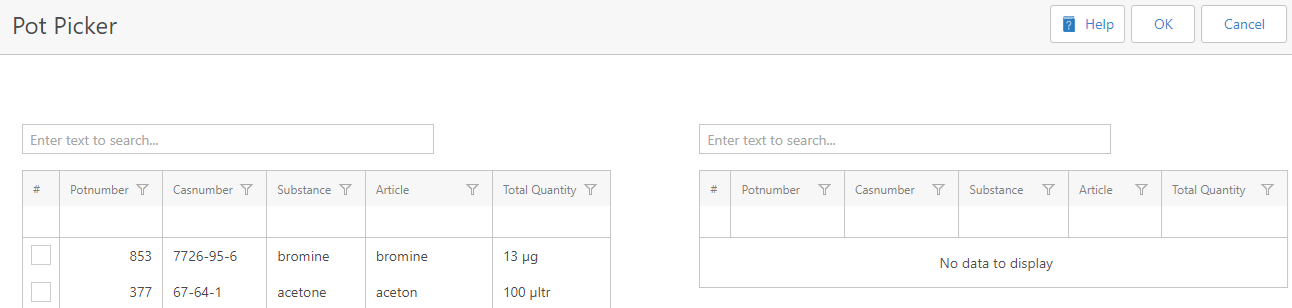
First, you have to select the pot(s) by entering the pot number or substance name in the Search text field and all the relevant pots aligned with the search term will be shown in the table. Second, you can select relevant pot(s) by ticking the checkbox of the pot(s) shown in left the table. There are two options to select the pot(s) as following:
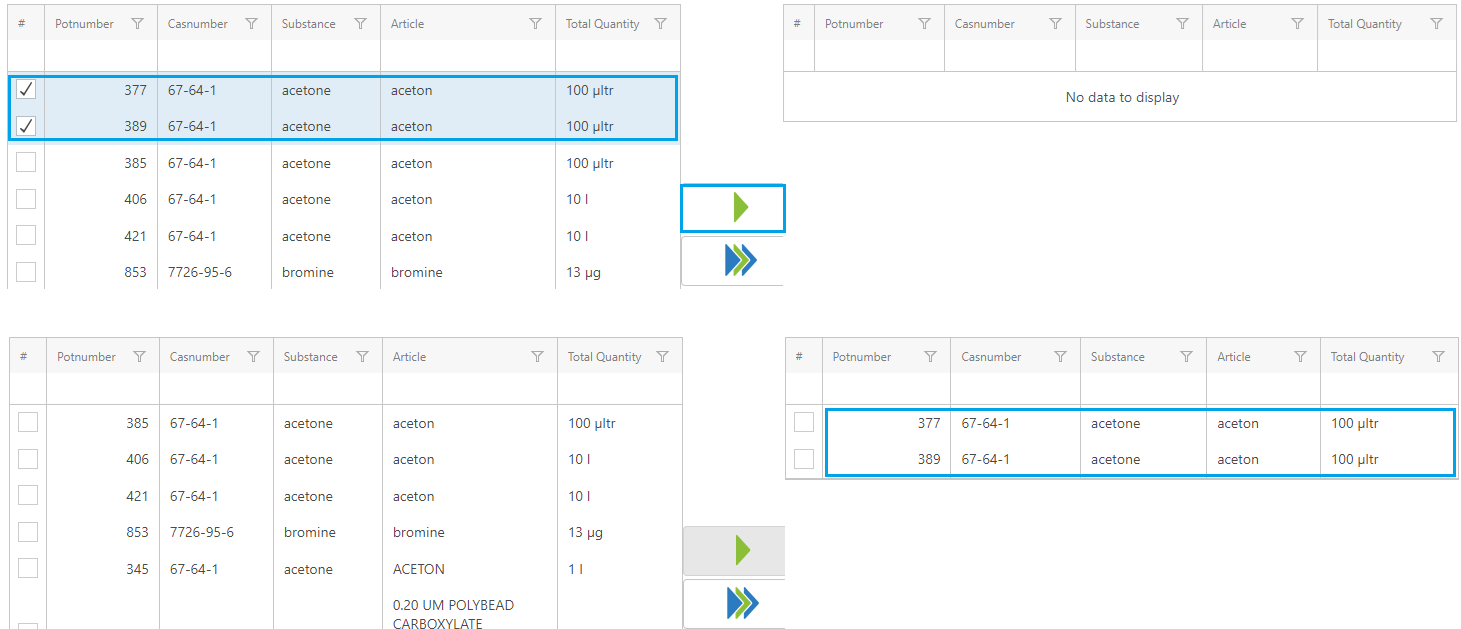
1. If you want to select your preferred pot(s) in the list, you click the button with 1 single green arrow. As a result, the chosen pot(s) will be displayed in the right table.
2. If you want to choose all the pots in the list, you click the button with 2 blue arrows and 1 green arrow. As a result, all the pots will be displayed in the right table.
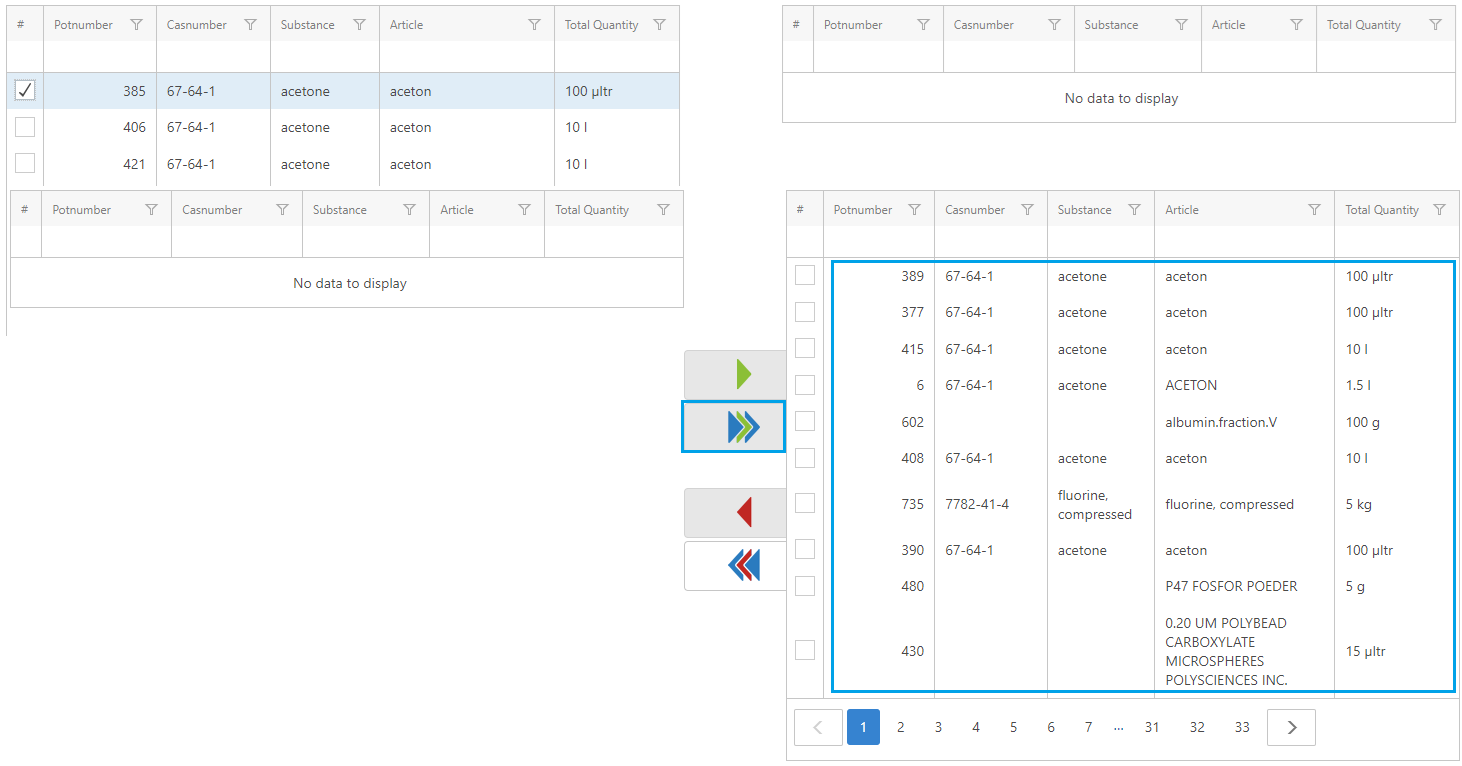
However, when you want to unselect a pot, you tick the checkbox of the pot(s) shown in the right table. There are to options to unselect the pot(s) as following:
1. If you want to unselect your preferred pot(s) in the list, you click the button with red arrow. As a result, the chosen pot(s) will be back to the left table.
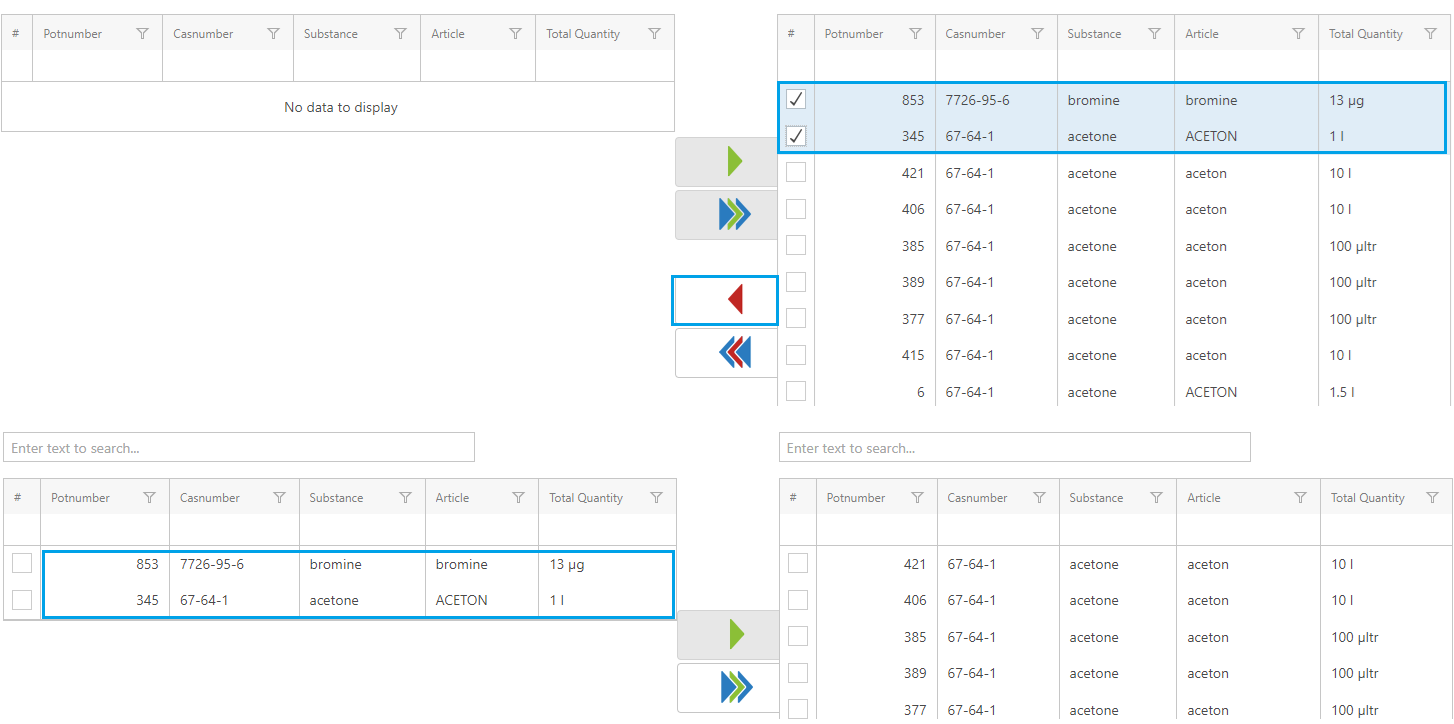
2. If you want to unselect all the pots in in the list, you click the button with 2 blue arrows and 1 red arrow. As a result, all the post will be back to the left table.
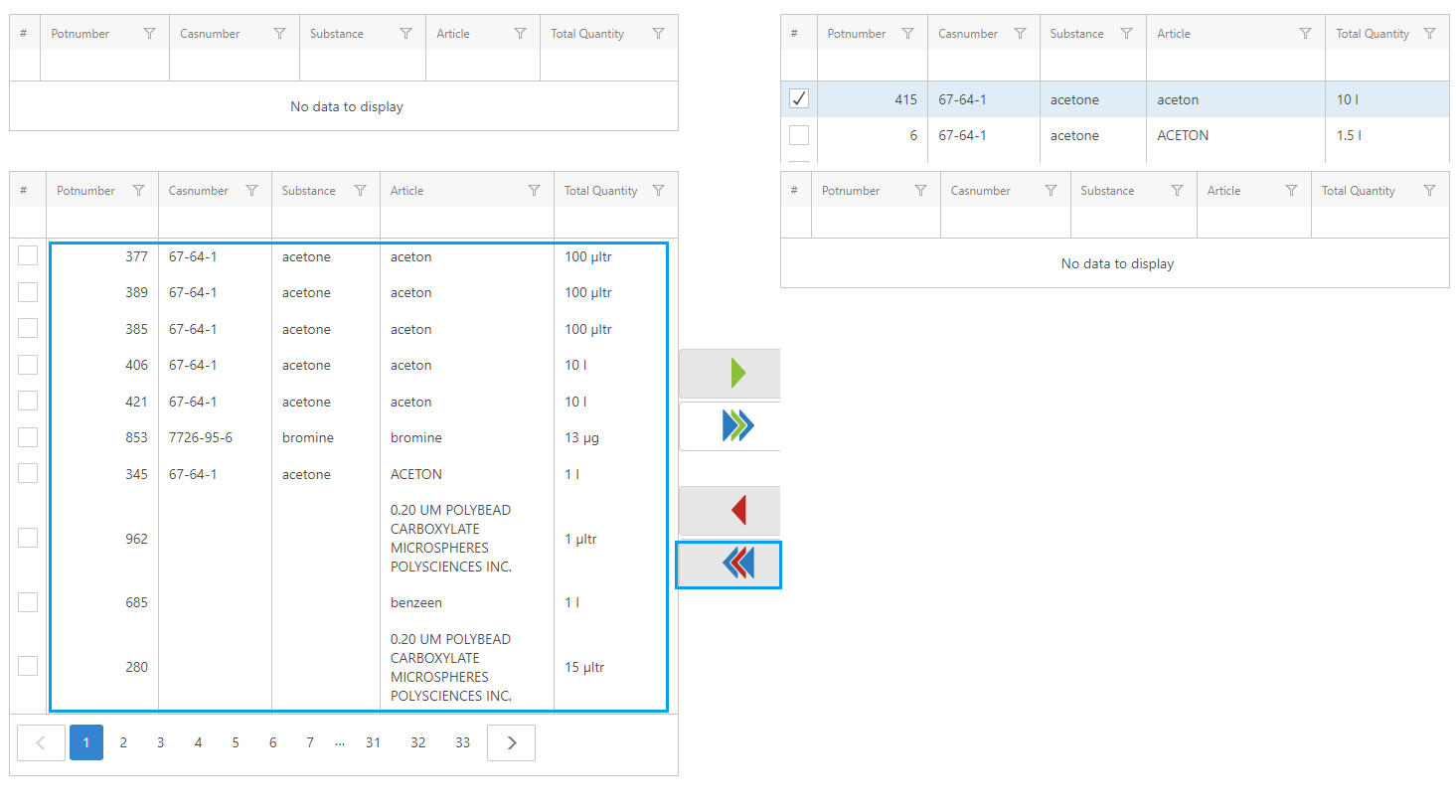
When you finish creating a pot list, you click OK button on the top right corner of the Pot Picker screen, then a new list of transportline is created on the overview screen of transport document.
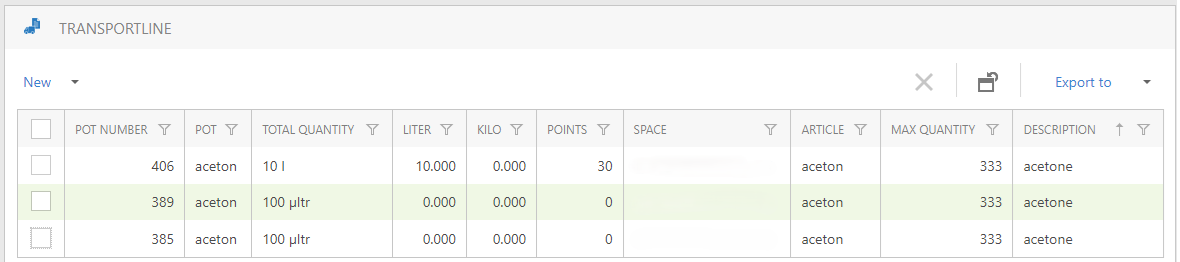
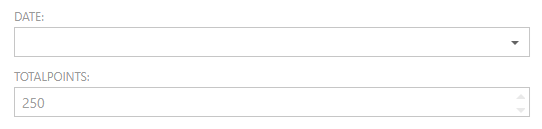
And the system will calculate the total points automatically and it will be shown on the transport document screen. If the score falls between 900 and 999 points, it indicates that there are some hazardous substances within the total load. In that case, specific exemptions to the regulations apply. A score of more than 1000 indicates that all goods, without exception, must completely comply with the regulation.
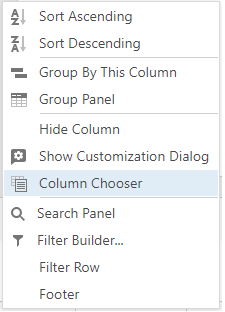
If you want to see more information, you can choose Column Chooser and select your preferred column to be visible in the overview of transportline.