SOFOS 360
Articles
An article is an item in the stock to which an article number is linked, so that it can be ordered (internally) via an order request. At least the following parts are linked to an article:
If you order a substance and it arrives, the substance can be transferred to an article. You can also create an article from a new substance.
To create a new article and link it to a substance or item in your own stock, follow the following steps.

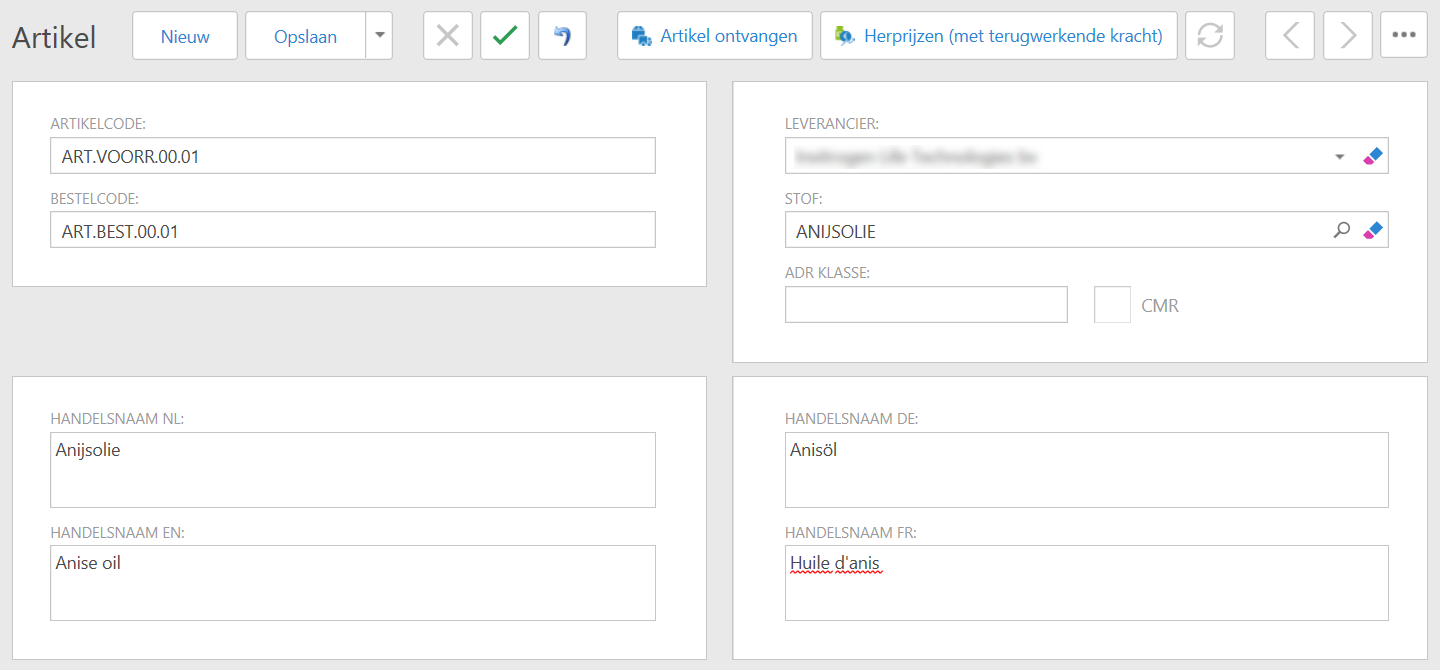
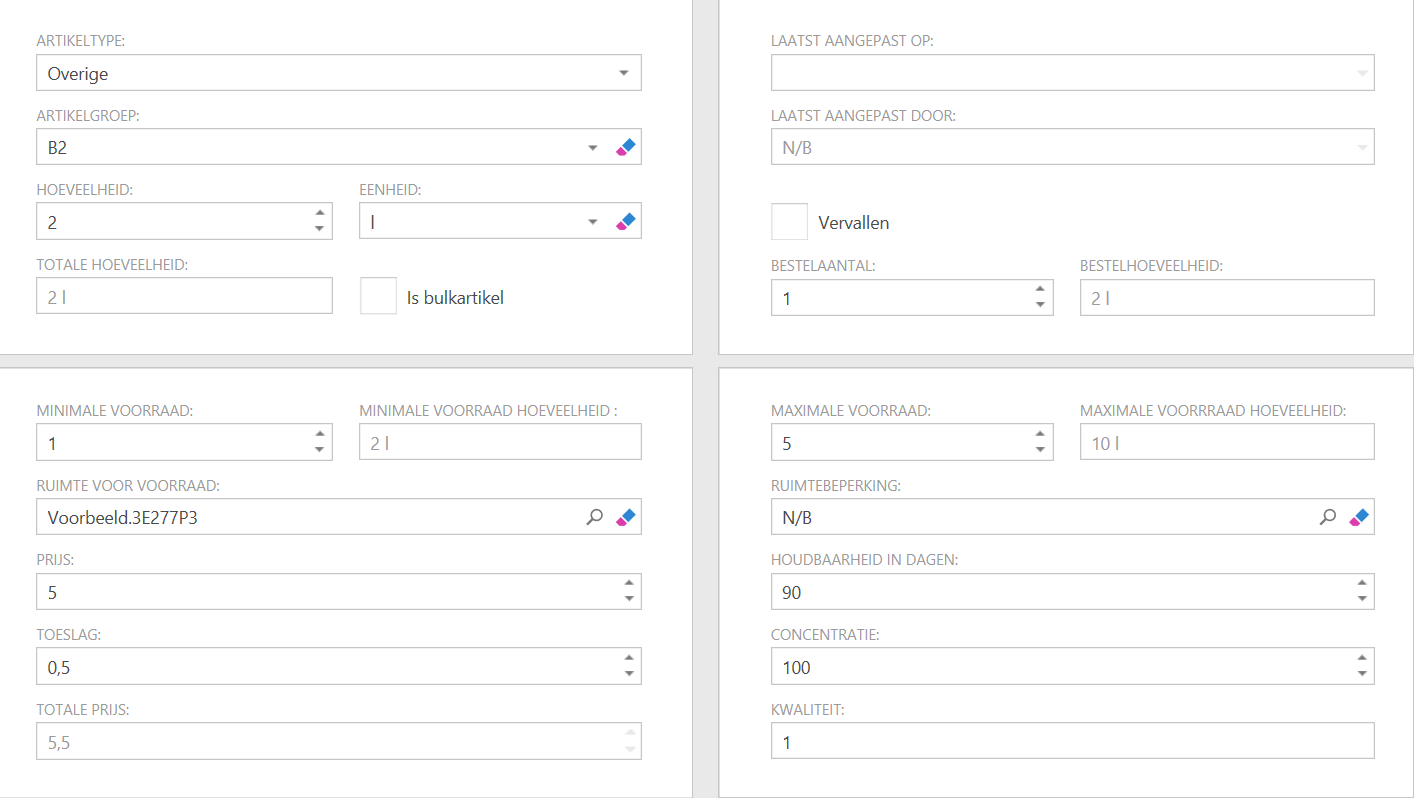
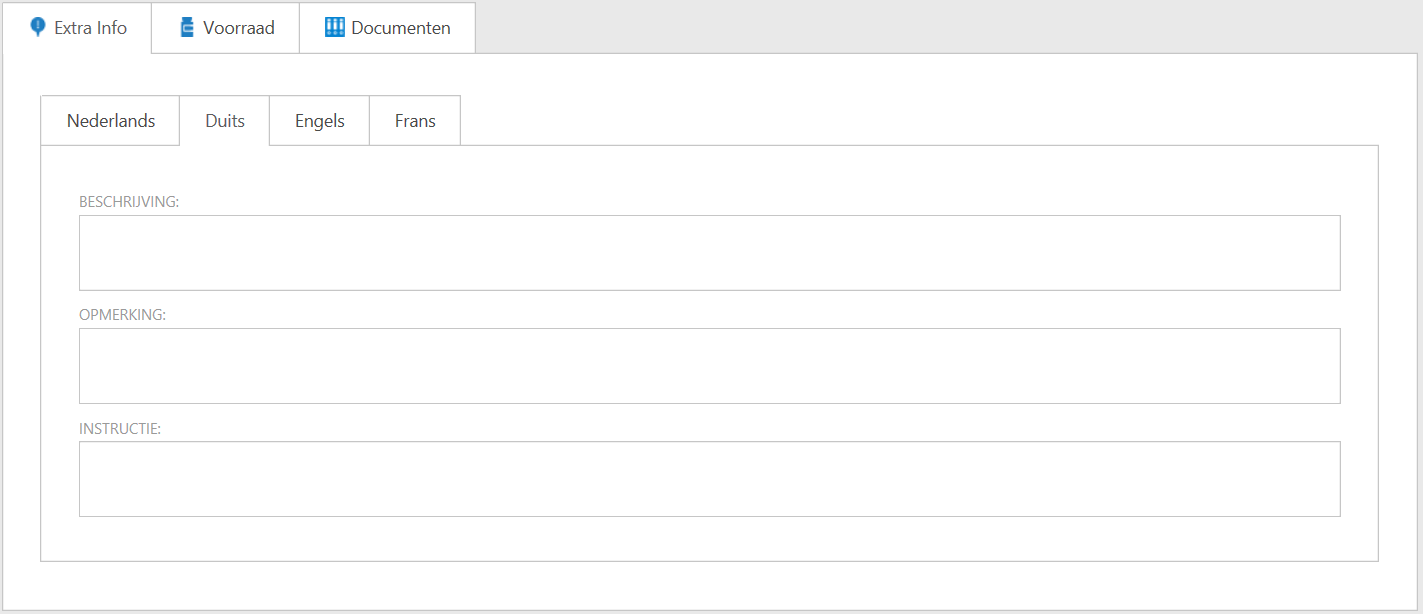
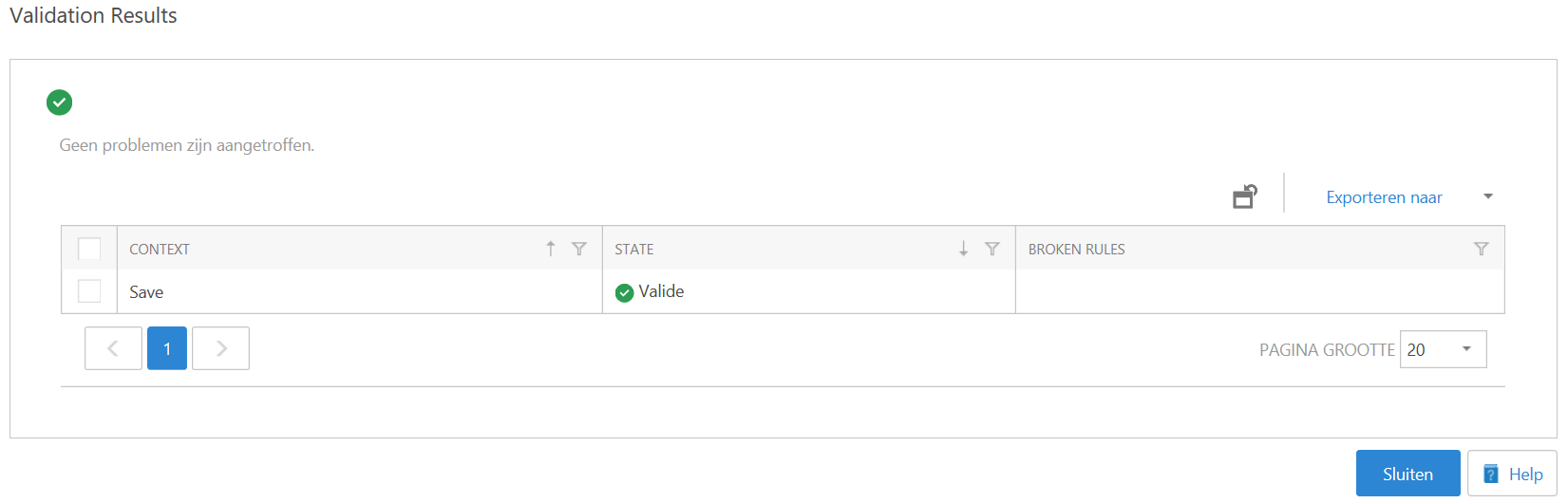
You can edit an entered article. For example, you can adjust the order code or supplier, or mark the article as 'Expired'.
Search for the article in the list or via the search window at the top right. If you found it, check the line by checking the box to the left of the article. You can see that a number of buttons at the top of the screen are no longer gray. Choose what you want to do.
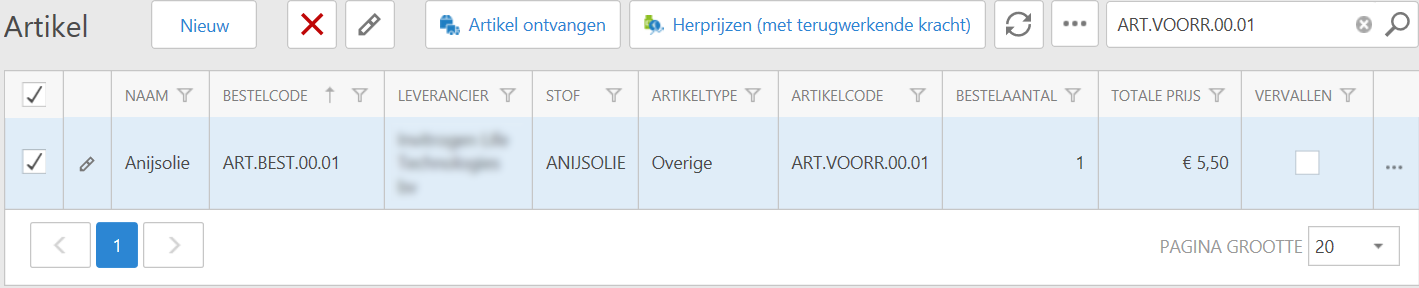
Click on the edit -icon for the article or at the top. You will now see the screen where you can change all information (see Creating a new article). You can change the preferred data here and confirm with 'Save'.
If the price of an article changes at the supplier, you can adjust the internal price by choosing Re-pricing (with retroactive effect). A new window opens.
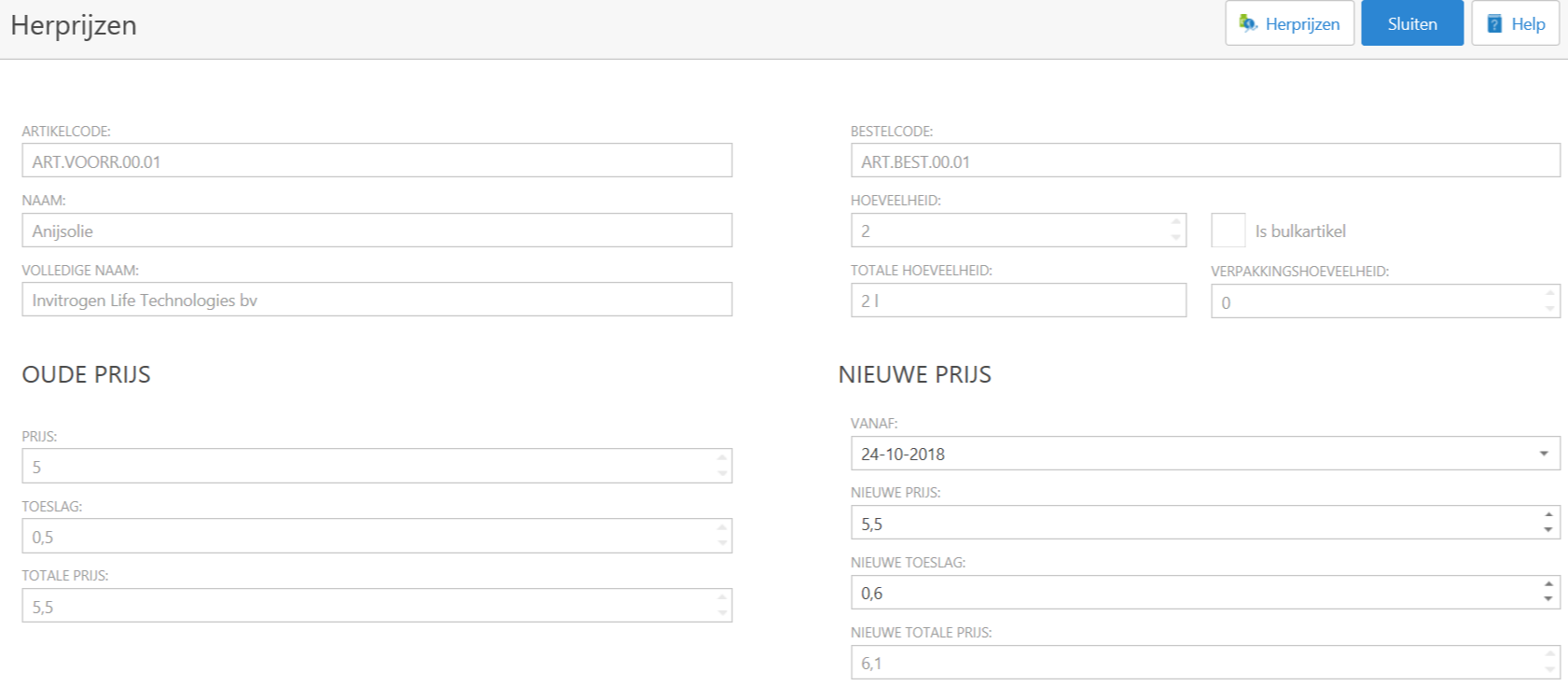
Enter the new price, adjust the date if necessary and click on Re-prices at the top right.
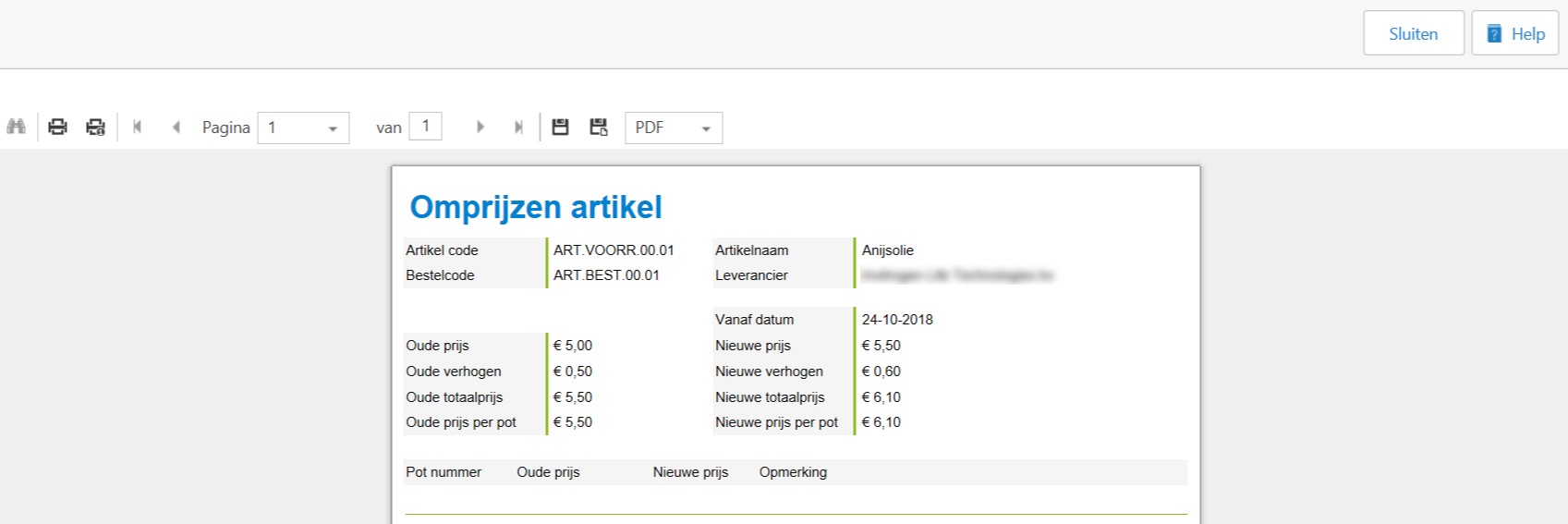
The button changes to 'Show' processing report.

If you click on this button, you will see the report of the activity. You can further process this if desired.
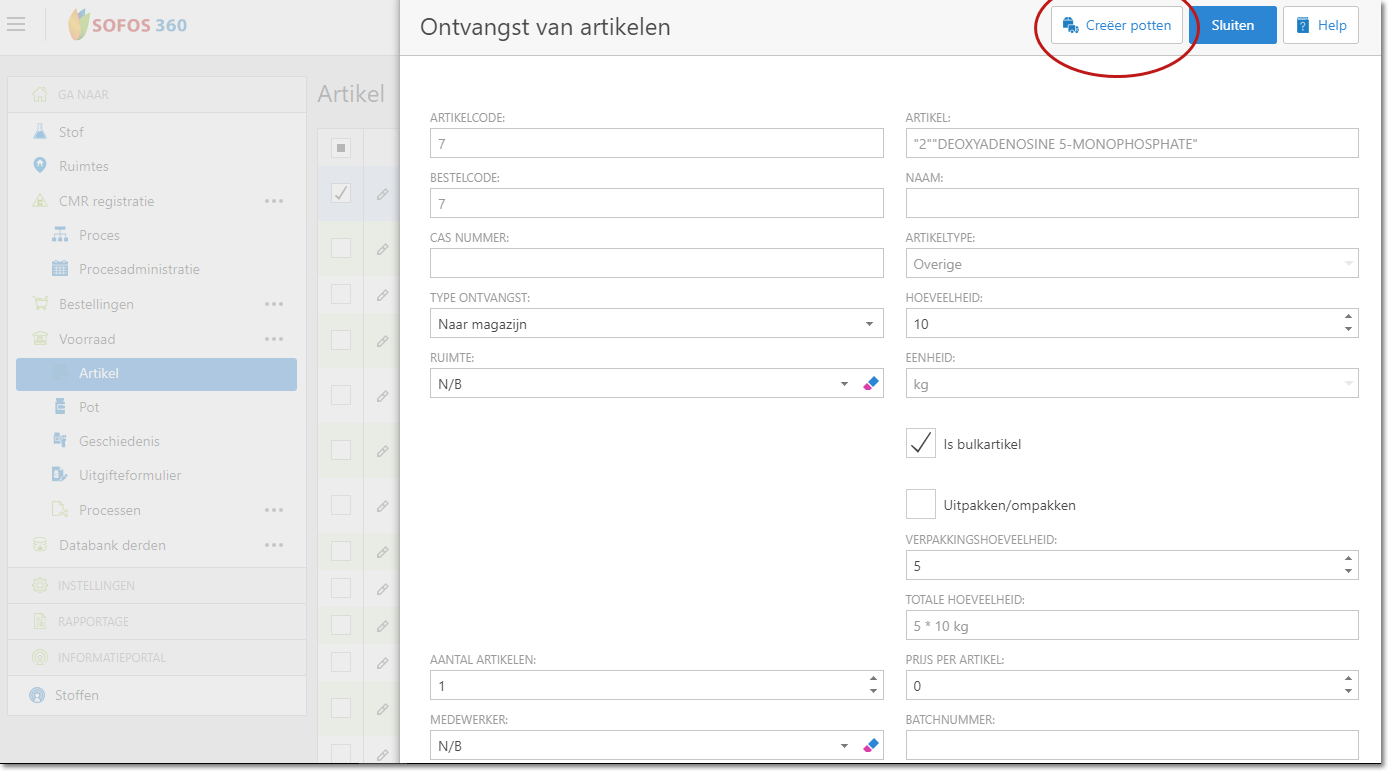
If an order for this article has been received from the correct supplier, you can post an item as 'Receive article'.
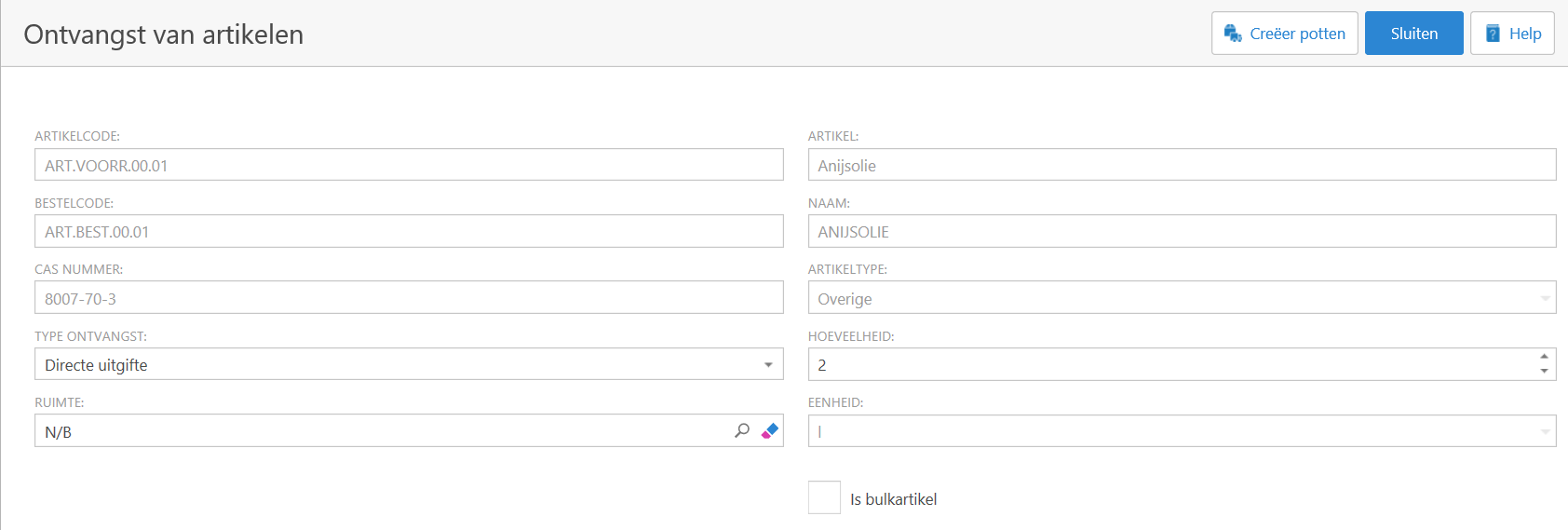

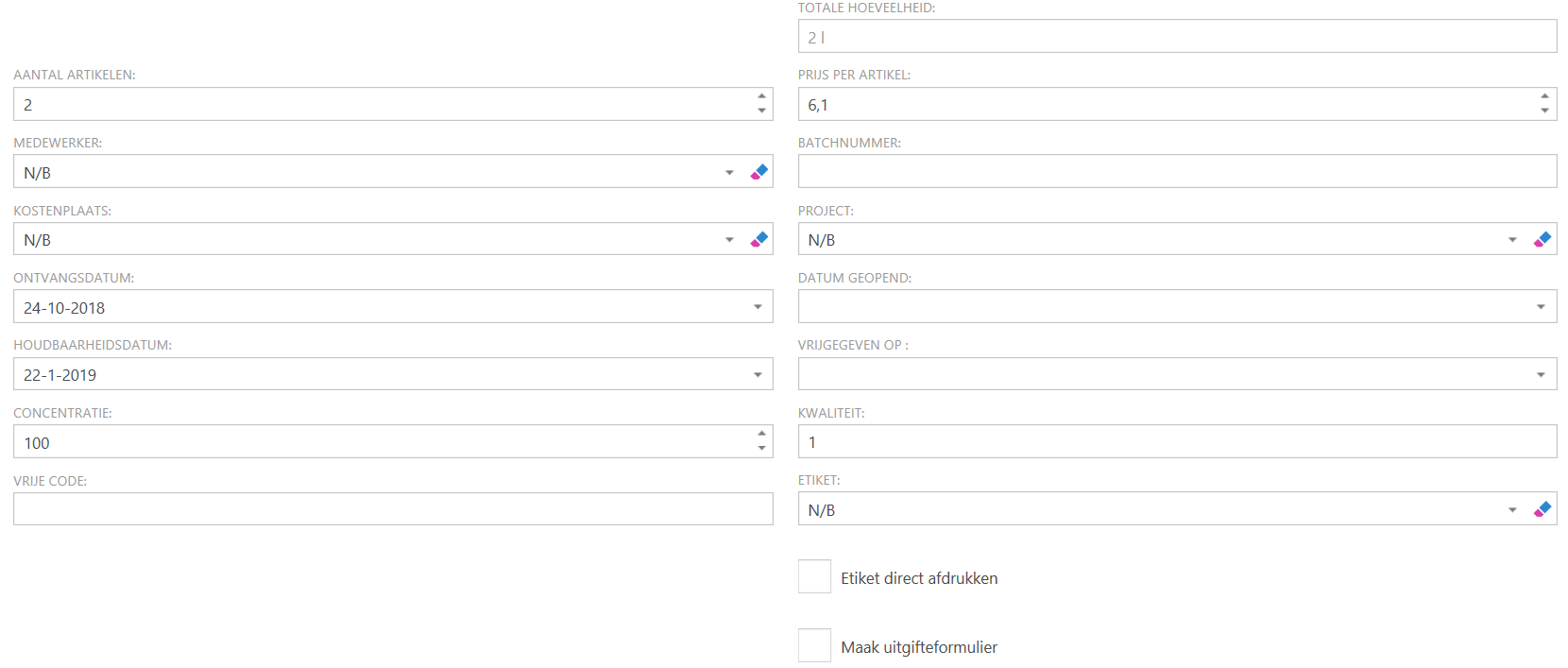
Follow the steps above. Receipt type remains on 'To Warehouse'.