This module is only available if purchased.
In this module you will see the order requests (non-submitted orders), you can create, delete or change a new order request and you can place an order.
If you have access to this screen, access it via the menu on the left.
- To create a new substance, click on the New button. An additional screen will open.
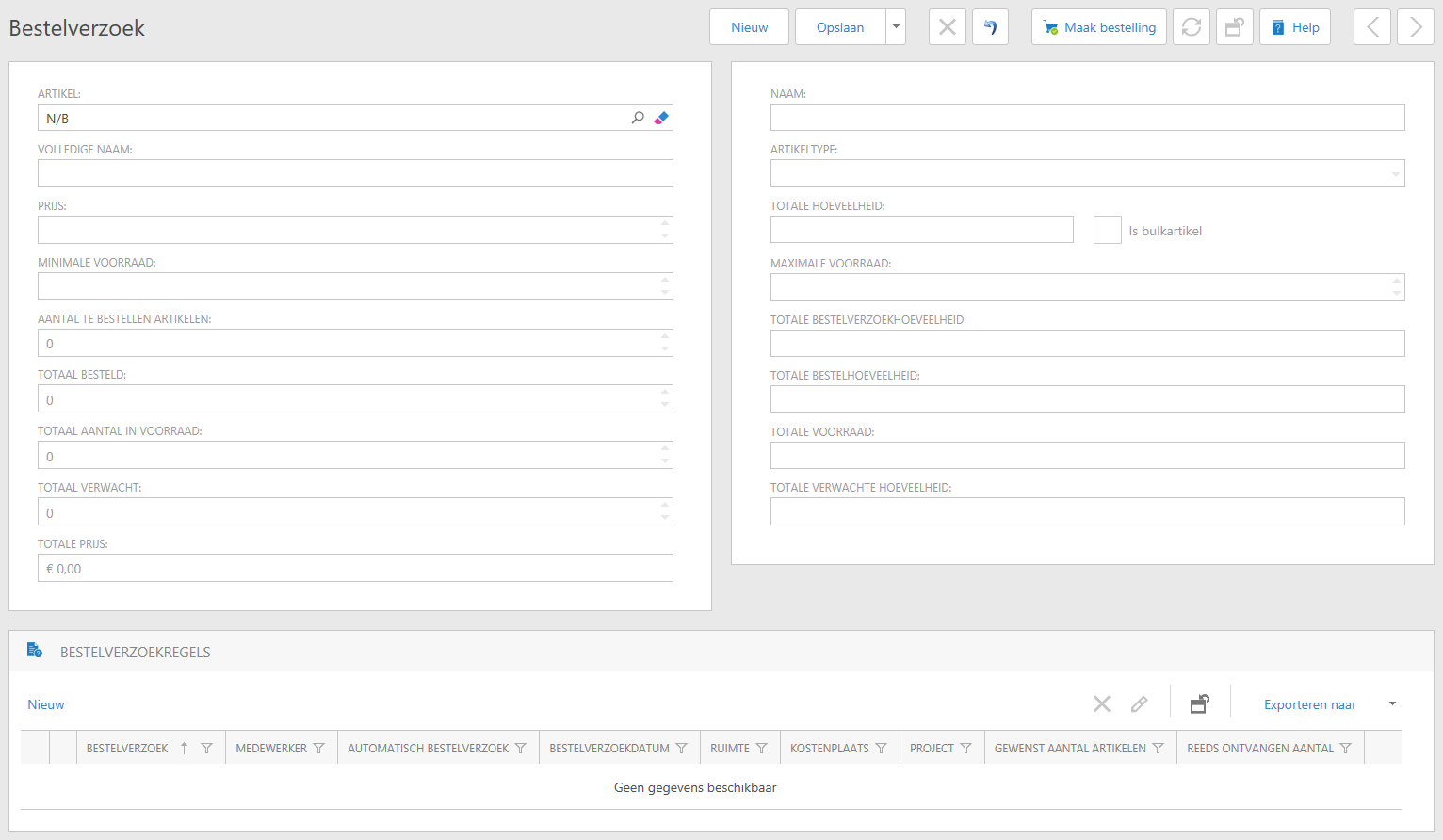
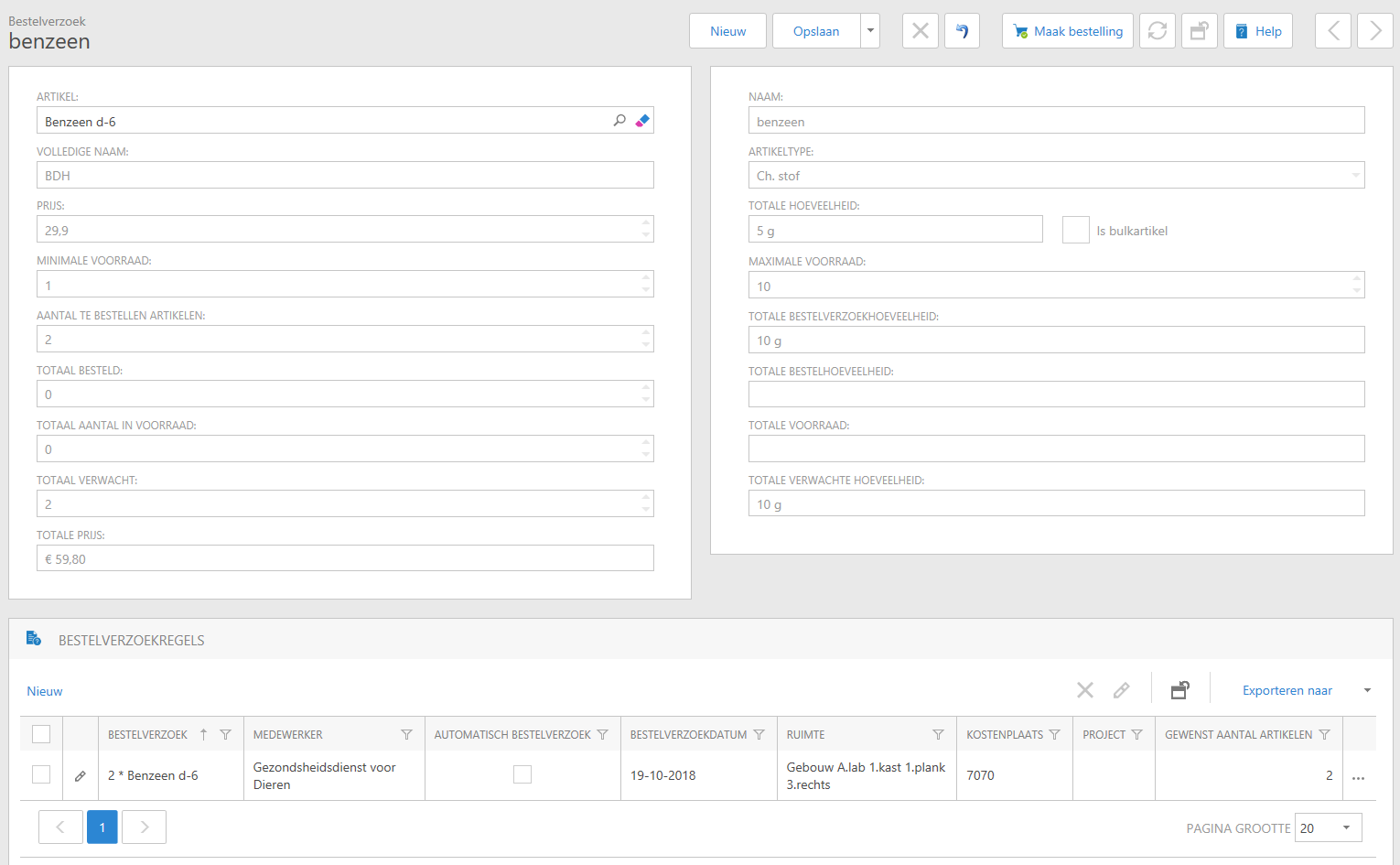
- Choose the desired substance from the drop-down window under Article. You can select the search-use the icon to look up the article from a list. In the pop-up window you can enter (part of) the item name and confirm the search with the search icon.
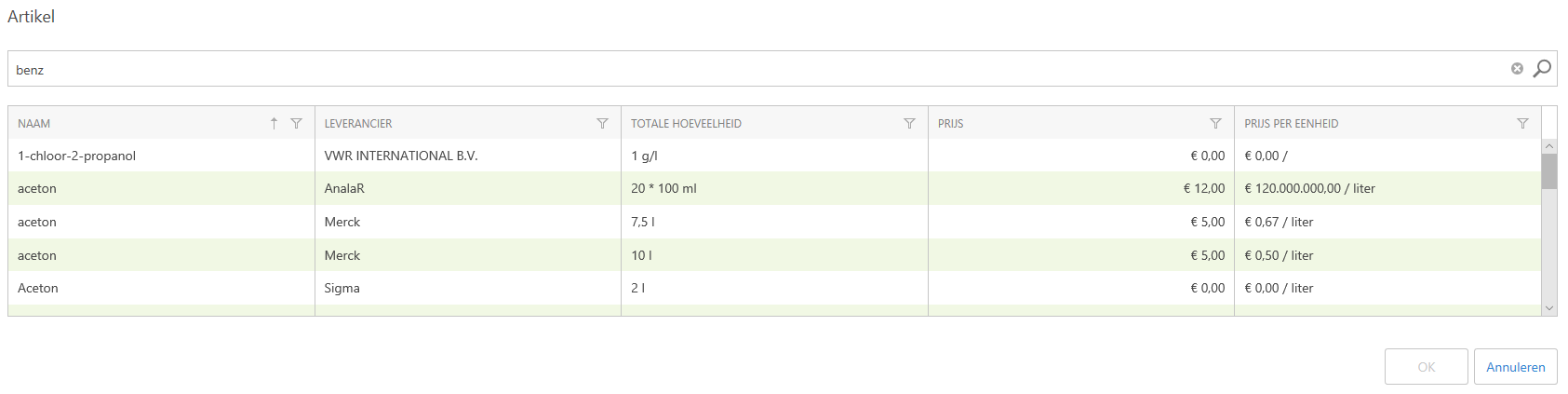 {325f6d3c-e6e1-42cb-987b-9e13334540} If you accidentally clicked on the wrong item, you can delete it by clicking on the search icon again and selecting a new item or clicking on the delete icon to delete the field.
- If you have made a choice, click on it and confirm with OK.
- You can now see the details of the number of pots in stock and other stock details of this item.
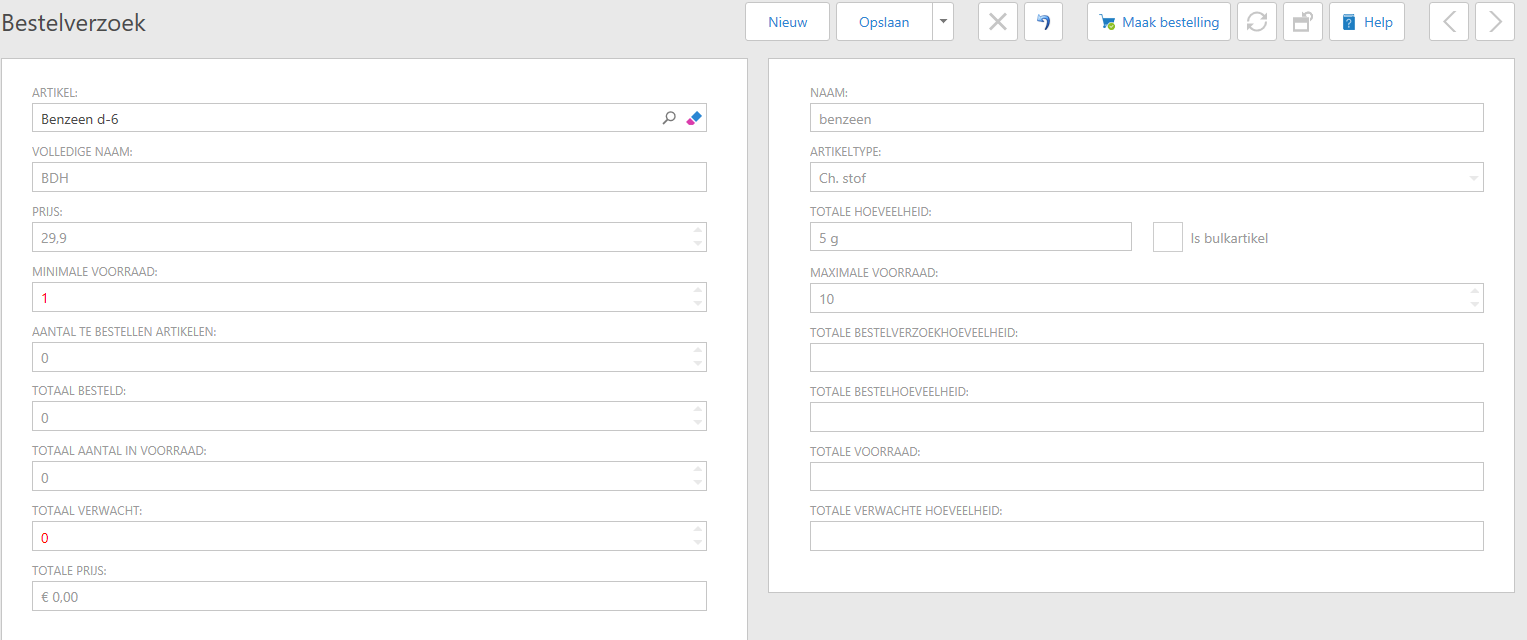
- Then create a new order request line

- Fill in the fields and confirm with OK.
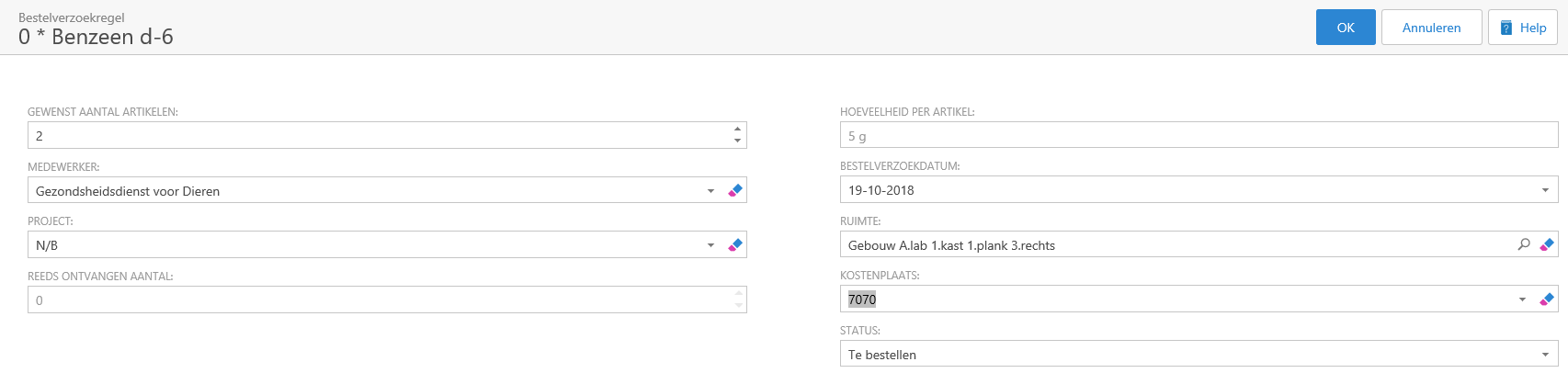
- Add other items as you wish with New. When finished, confirm the order request with Save or - if you are mandated to place an order - with Create order.
See Also
