
SOFOS 360
Creating and adding a title
From the menu, go to Settings > Own organization > Organizations > Settings > Title.
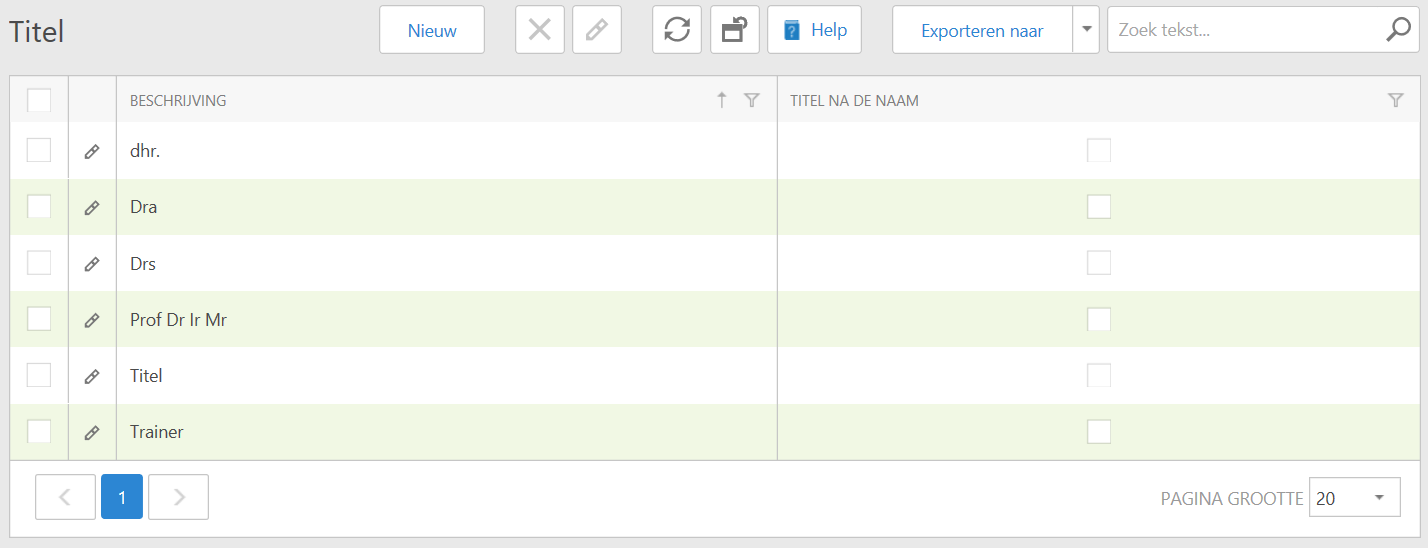
You will see an overview of the available titles. To create a new title, click New.
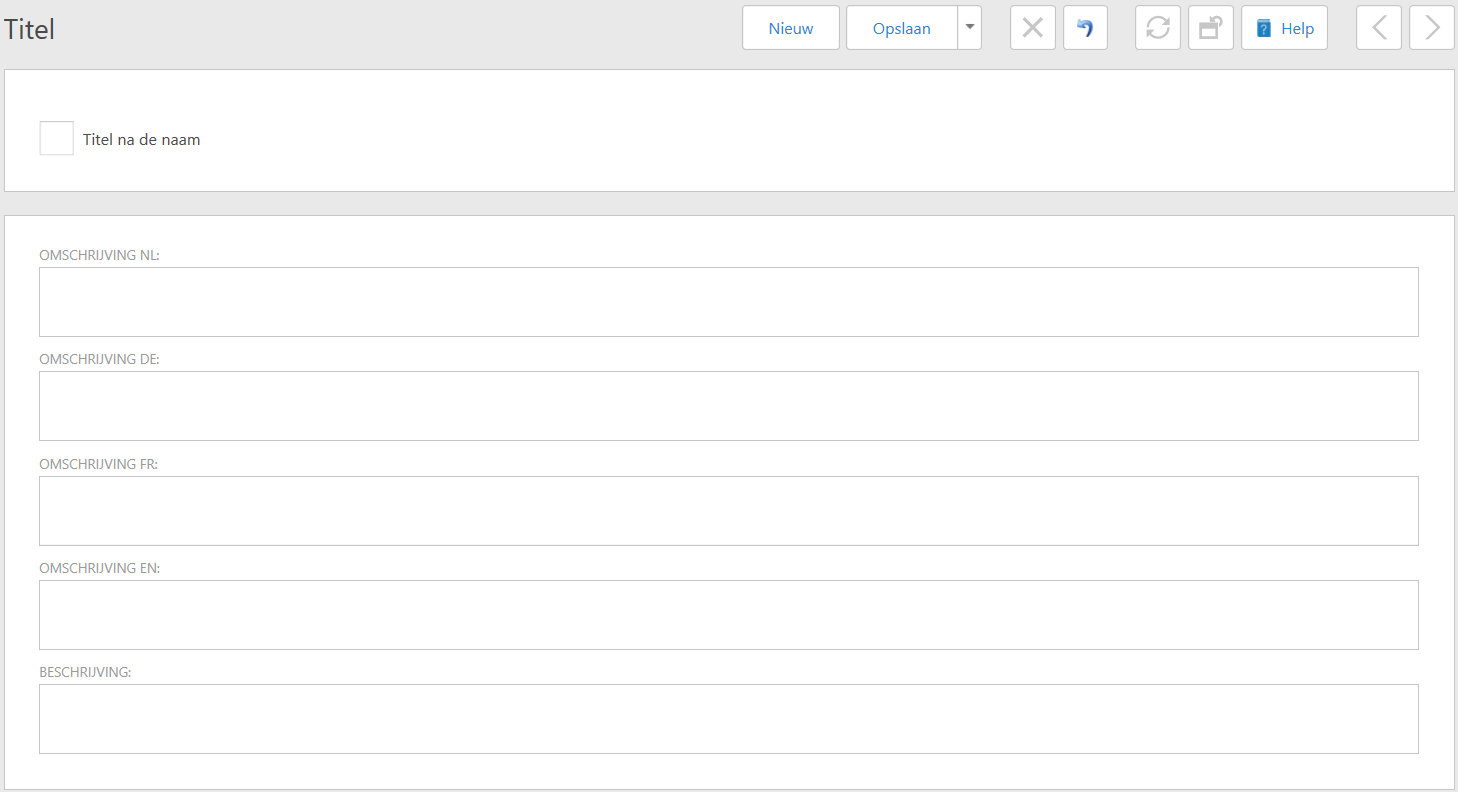
Here you can fill in the details and choose whether the title should come before or after the name. When you're done, click Save. You will return to the overview.
If a title is no longer needed, you can choose to remove it from the database.
In the menu, go to Settings > Own organization > Organizations > Settings > Title.
Check the title you want to delete and click the Delete button. You will get the following message:
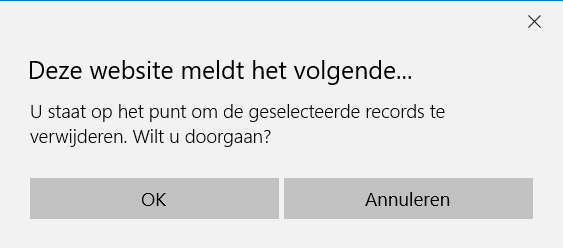
If you're sure, confirm your action with OK. Otherwise click on Cancel.
If you have clicked OK, you will see the title disappear from the overview.